Cross-platform build & QA
Give an agent clean Windows, macOS and Linux environments to install, test and validate the same release without contaminating a developer laptop.
Disposable labs · repeatable evidenceGive people and AI agents governed access to Windows, macOS and Linux—inside disposable labs or approved real devices. Watch every action, approve high-risk steps, take over instantly and keep the evidence in your environment.
AnvilWork binds the task, identity, machine, tools and evidence into one governed work session. AnvilVDI is the cross-platform desktop layer underneath—not the whole product.
A clean lab, a team VM, an approved workstation or a private server. Nothing is discovered or granted implicitly.
Name the operator, allowed tools and duration. Access expires automatically and one controller holds the lease.
See the live desktop beside the terminal. Review actions, approve risky steps, pause or take over at any moment.
Export commands, screen evidence, files, approvals and a before/after report tied to the exact machine and task.
Use the same governance model whether an engineer is testing an app, an agent is investigating a machine, or an operator is changing infrastructure.
Give an agent clean Windows, macOS and Linux environments to install, test and validate the same release without contaminating a developer laptop.
Disposable labs · repeatable evidenceCombine desktop, terminal, SSH and files in one scoped session. Rehearse in a sandbox, review the plan, then apply only the approved change.
Test → approve → promote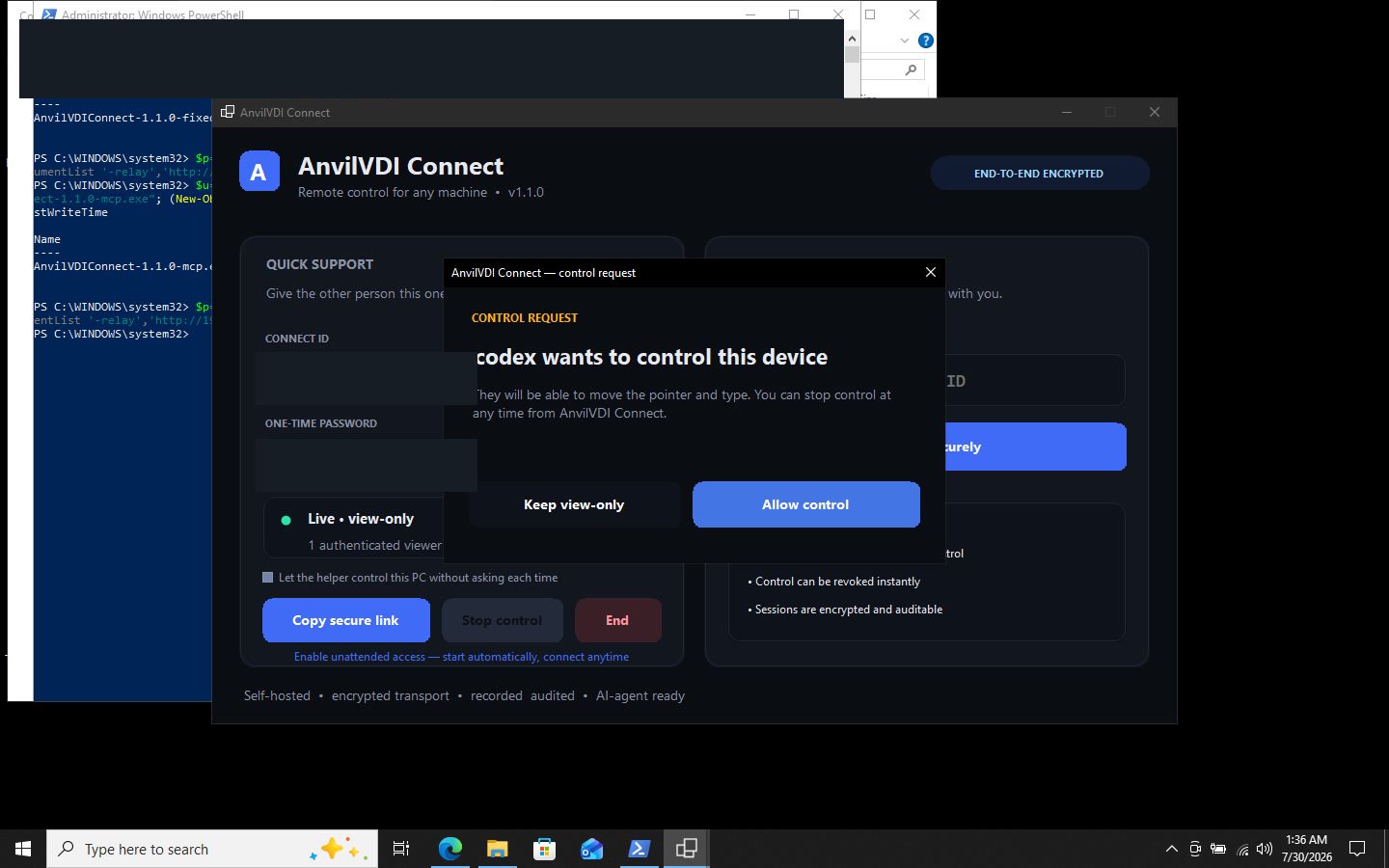
Audit a real computer, prepare a change plan, ask for consent and benchmark the result. The owner stays visible and can revoke control instantly.
Attended or time-limited accessA shared operational view keeps humans and multiple agents from stepping on each other. Every session has a named owner, target, tool and lease.
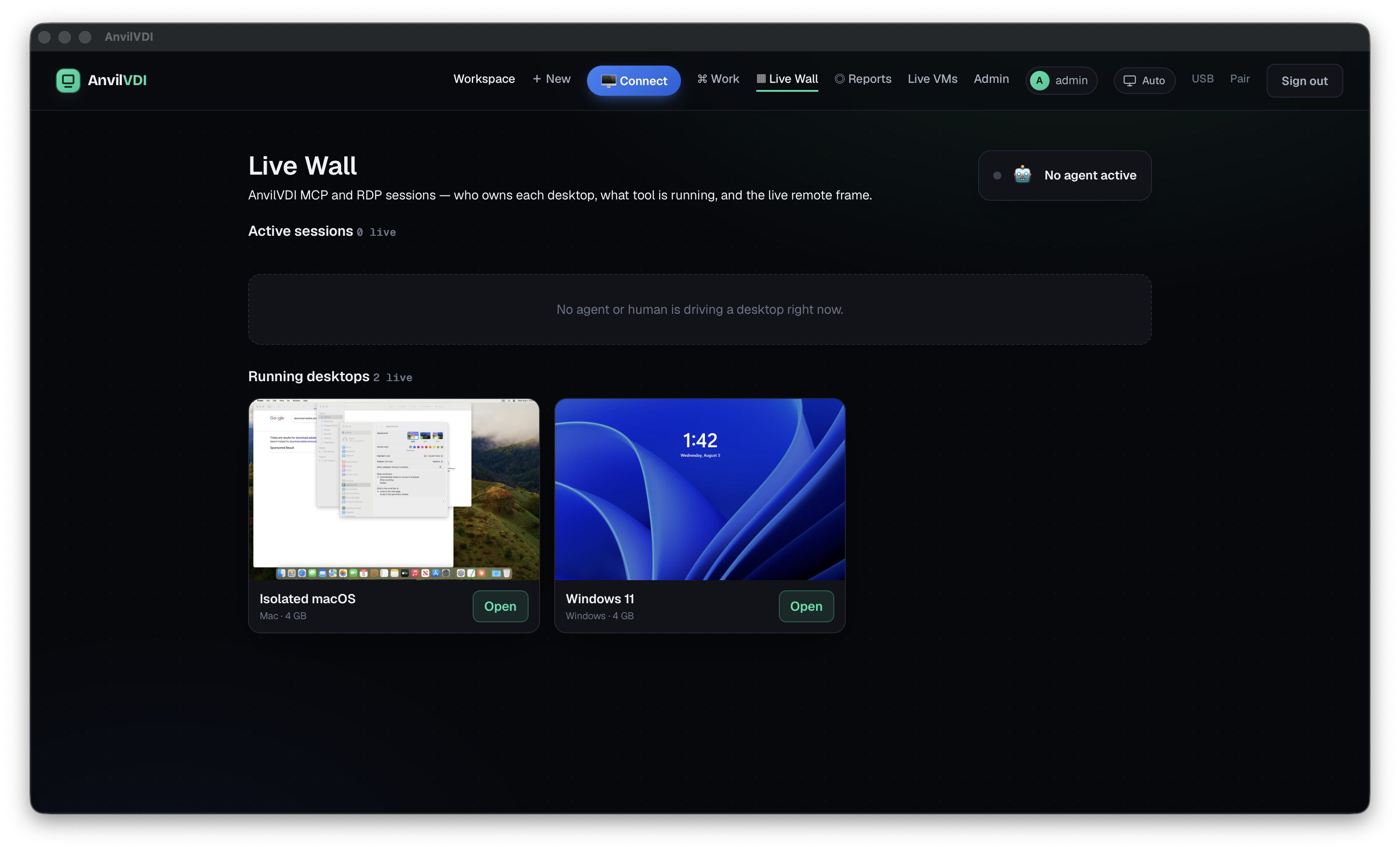
See active human and agent sessions across desktops without turning unrelated browser tabs into fake machines.
Prevent collisions with an exclusive control lease while reviewers watch or take over intentionally.
Follow the agent's reasoning and tool calls beside the live target instead of reconstructing work from screenshots.
Attach findings, plans, approvals and before/after measurements to the machine and task—not to a fragile chat transcript.
The agent does not jump from “slow PC” to deleting software. It collects a baseline, explains likely causes, classifies risk, waits for approval and measures the same schema afterward.
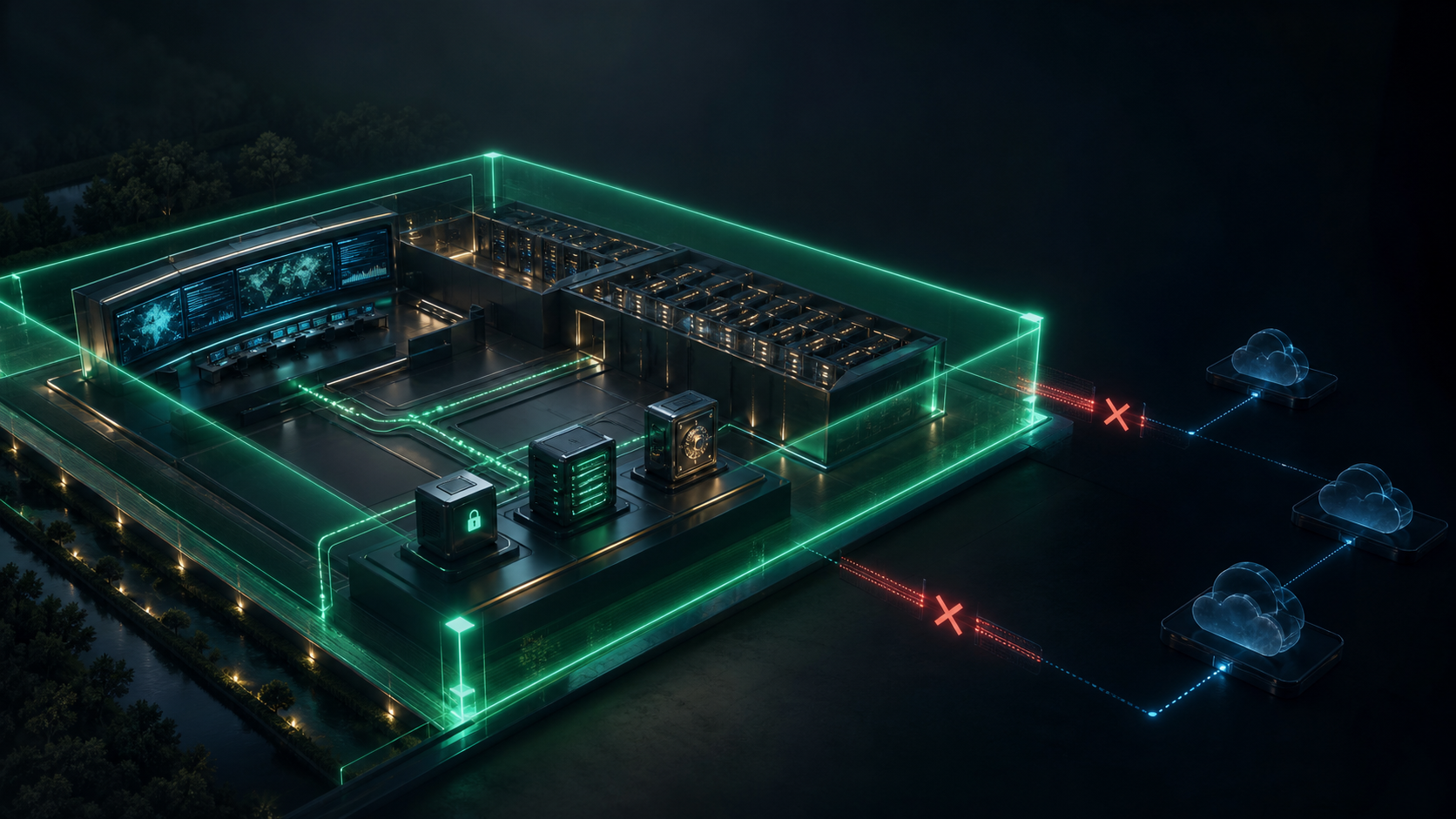
AnvilWork is designed so production systems, new resources and real devices stay outside an agent's reach until an owner creates an explicit, expiring capability.
Build and test across operating systems. Operate approved infrastructure. Help on real devices. Keep control and evidence in one place.